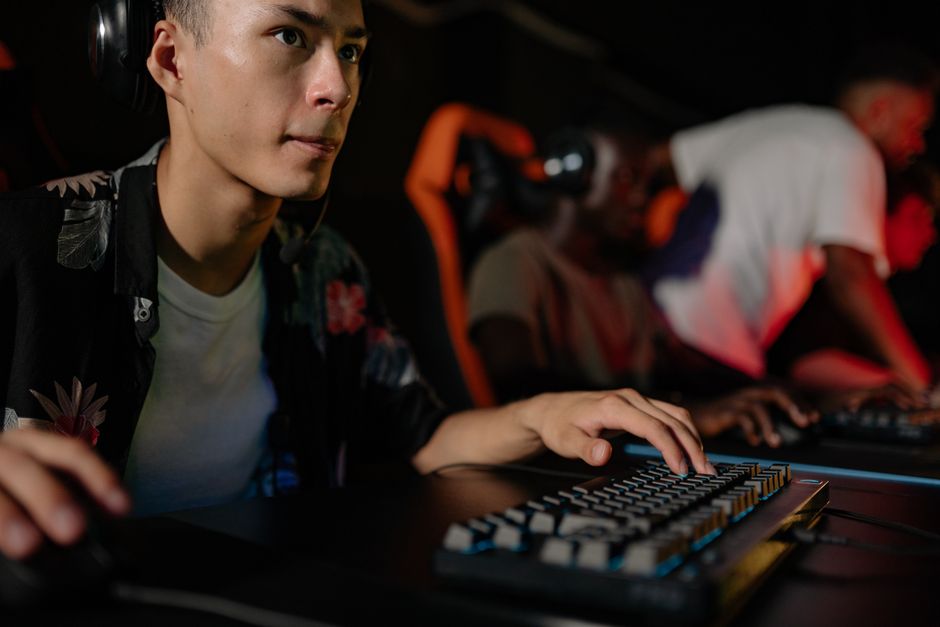
In the world of gaming, having the right equipment can make all the difference. For many enthusiasts, building a custom gaming PC is not just a hobby but a passion. This guide aims to walk you through the essential components, considerations, and steps involved in creating a high-performance gaming rig that meets your specific needs.
Understanding Your Needs
Before diving into the world of components and specifications, it’s critical to understand what you want from your gaming PC. Are you a casual gamer who enjoys titles like ‘Stardew Valley’ and ‘Among Us’? Or are you a hardcore gamer who plays high-end titles like ‘Cyberpunk 2077’ and ‘Call of Duty’? Knowing your gaming habits will guide your decisions on which parts to prioritize.
For instance, if you’re primarily focused on competitive gaming, you might prioritize a high refresh rate monitor and a powerful graphics card. Conversely, if you enjoy a wide variety of games, a balanced build that offers solid performance across the board is essential. This initial assessment will ultimately save you time and money in the long run.
Choosing the Right Components
The heart of any gaming PC lies in its components. There are several key parts you need to consider:
1. CPU (Central Processing Unit): The CPU is crucial for overall performance. Look for processors with multiple cores and threads, as many modern games can utilize them effectively. AMD Ryzen and Intel Core series are both excellent choices.
2. GPU (Graphics Processing Unit): For gaming, the GPU is often the most critical component. A powerful GPU will ensure smooth frame rates and high-quality graphics. Brands like NVIDIA and AMD offer various options suitable for different budgets.
3. RAM (Random Access Memory): Aim for at least 16GB of RAM for gaming; this will ensure that your system can handle multiple applications and games running simultaneously without lag.
4. Storage: Solid State Drives (SSD) offer significantly faster load times compared to traditional Hard Disk Drives (HDD). Consider a combination of both for better performance and storage capacity.
5. Motherboard: Ensure your motherboard is compatible with your CPU and has enough slots for RAM and expansion cards.
The Building Process
Once you’ve gathered your components, it’s time to assemble your gaming PC. Here’s a step-by-step approach:
1. **Prepare Your Workspace**: Find a clean, flat surface to work on. Ensure you have all your tools ready, including a screwdriver and an anti-static wrist strap.
2. **Install the CPU and Cooler**: Begin by installing the CPU onto the motherboard, followed by the CPU cooler. It’s essential to apply thermal paste correctly to ensure effective heat transfer.
3. **Attach RAM and Motherboard**: Insert the RAM sticks into the appropriate slots on the motherboard. Once done, carefully place the motherboard into the case and secure it with screws.
4. **Install the GPU**: Insert the graphics card into the PCIe slot on the motherboard and secure it. Make sure to connect any necessary power cables from the PSU (Power Supply Unit).
5. **Connect the Storage Devices**: Mount your SSD and/or HDD in the case and connect them to the motherboard using SATA cables.
6. **Power Up**: Finally, connect all power cables and peripherals, then turn on your system to check if everything is working correctly. If it boots into BIOS, congratulations on your new gaming PC!
Troubleshooting Common Issues
Even with careful assembly, issues can arise. Here are some common problems and solutions:
1. No Power: Check all connections, especially the power cable to the motherboard. Ensure the PSU is functioning.
2. No Display: If your monitor doesn’t display anything, check the GPU connections and ensure it’s seated correctly in the PCIe slot.
3. Overheating: Monitor your CPU and GPU temperatures. If they are running hot, ensure all fans are working, and consider reapplying thermal paste.
Future-Proofing Your Build
As technology advances, so do gaming demands. To future-proof your gaming PC, consider the following:
1. **Select Upgradable Components**: Choose a motherboard with extra slots for RAM and storage. This will allow you to upgrade your system without replacing everything.
2. **Invest in Quality**: While it might be tempting to go for cheaper options, investing in quality components will ensure your system lasts longer.
3. **Stay Updated**: Keep an eye on hardware trends and software updates, as they can significantly impact performance.
4. **Consider a Custom Build Service**: If you’re unsure about building your PC from scratch, consider using a gaming PC builder service that can help you choose compatible parts and assemble them for you.
Conclusion
Building a gaming PC can be an incredibly rewarding experience. Not only do you get to customize your setup to suit your gaming preferences, but you also gain a deeper understanding of how your computer works. By following this guide, you can create a powerful machine that will keep you gaming for years to come. Remember, the key is to do your research, choose your components wisely, and enjoy the process!
About the Author